Arabic reads clearly in Odoo
Arabic RTL Helper for Odoo is a free browser extension that fixes Arabic text direction inside Odoo—without installing any module on your server.
Proudly developed by Tarmez Al-Arabiya Information Technology, an Odoo Partner.
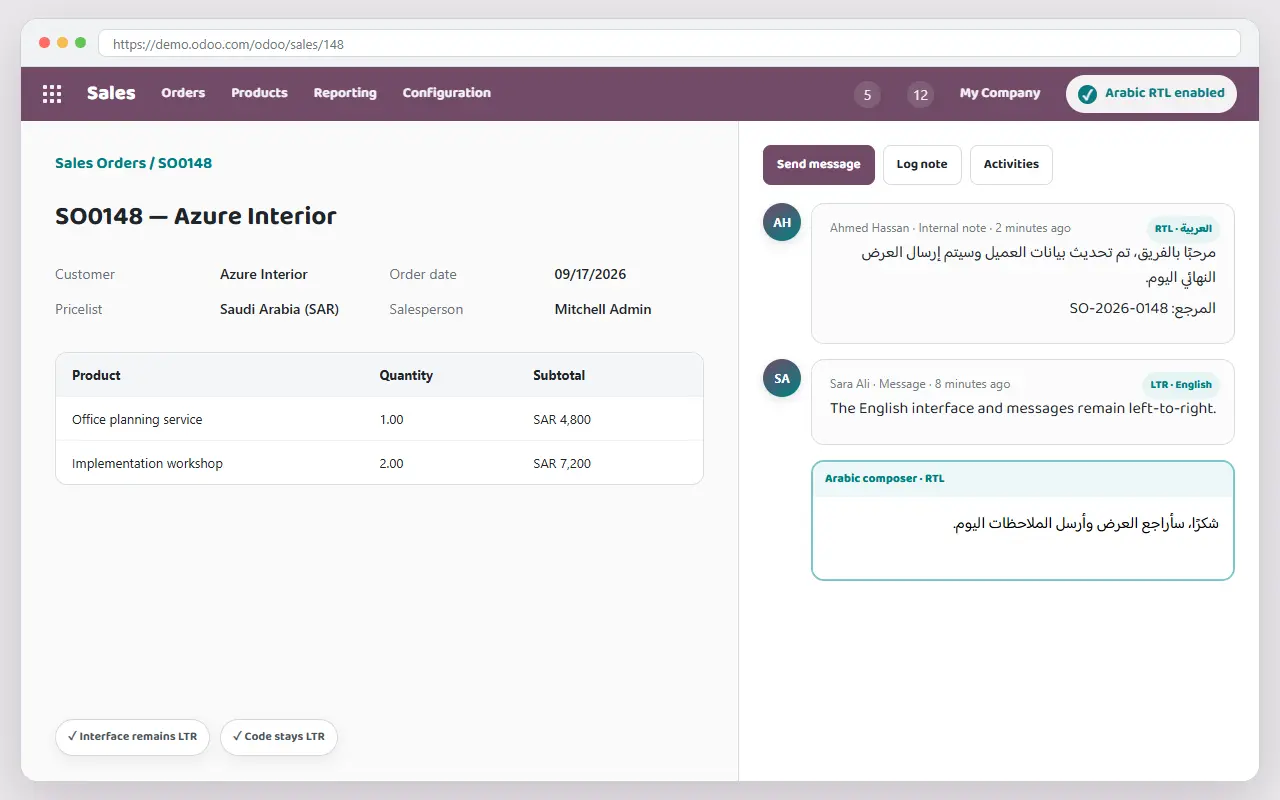
Compatible with Odoo 16–19
Chrome, Edge, and Firefox
Local processing in your browser
No Odoo module required
See the difference
Mixed Arabic and English text in Odoo can be hard to read. The Tarmez extension fixes its direction instantly.
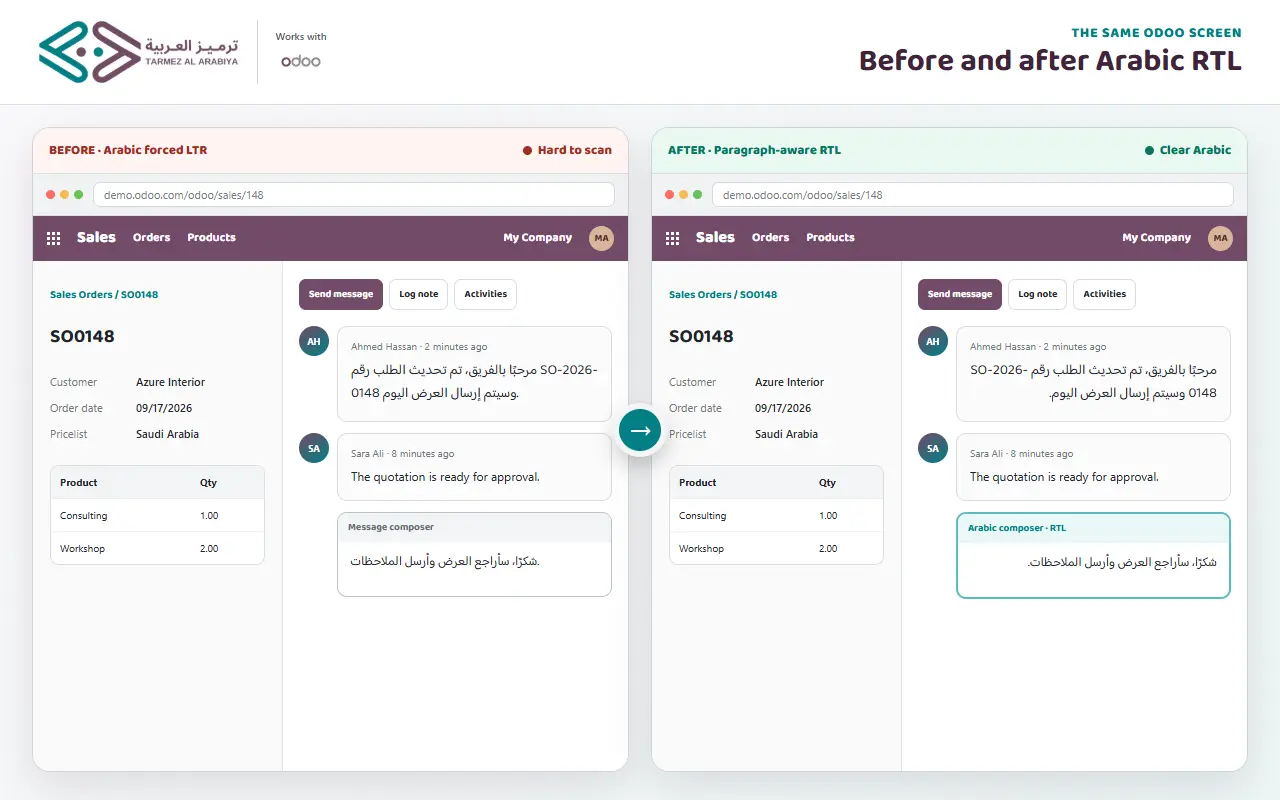
An example of Chatter messages and notes before and after enabling the extension.
Fix Arabic content while keeping the interface in English
You do not need to switch the entire Odoo interface to Arabic just to read an Arabic note or message.
- Automatically detects Arabic text and applies RTL direction.
- Keeps English text, numbers, and code in their original LTR direction.
- Leaves Odoo menus and interface settings unchanged.
Before
Arabic text starts from the left, punctuation appears reversed, and mixed English words become hard to follow.
After enabling Tarmez
Arabic paragraphs align correctly to the right while English words retain their proper order.
Complete coverage across your workspace
The extension improves text direction in the most important Odoo content areas.
Chatter
Display messages, activity logs, and Arabic notes in the proper direction.
Internal notes
Supports note fields in tasks, invoices, and quotations.
HTML fields and editor
Improves paragraphs, lists, quotes, and formatted content.
Dynamic content
Processes new messages and elements as they appear without reloading the page.
Mixed content
Arabic stays RTL and English stays LTR, with proper handling of numbers and links.
Independent direction for each text block
Applies direction to paragraphs, lists, and quotes without flipping the Odoo interface.
Get started in three simple steps
Install the extension
Download it free from the official Chrome Web Store or Firefox Add-ons.
Open your Odoo site
Sign in to your Odoo database as usual—Online, Odoo.sh, or self-hosted.
Turn on “Enable on this site”
Click the extension icon and enable it for the current domain. Your choice is saved automatically.
Privacy first
Odoo content is analyzed locally in your browser and is never stored or transmitted.
Privacy by design
Local processing in your browser
The extension determines text direction locally in your browser. Page content is never stored or sent to Tarmez or any third party.
No data collection or tracking
The extension collects no personal data and uses no analytics, advertising, or remote code.
Permission for each site
The extension does nothing until you approve access. It requests the current site domain only, and you can revoke access at any time.
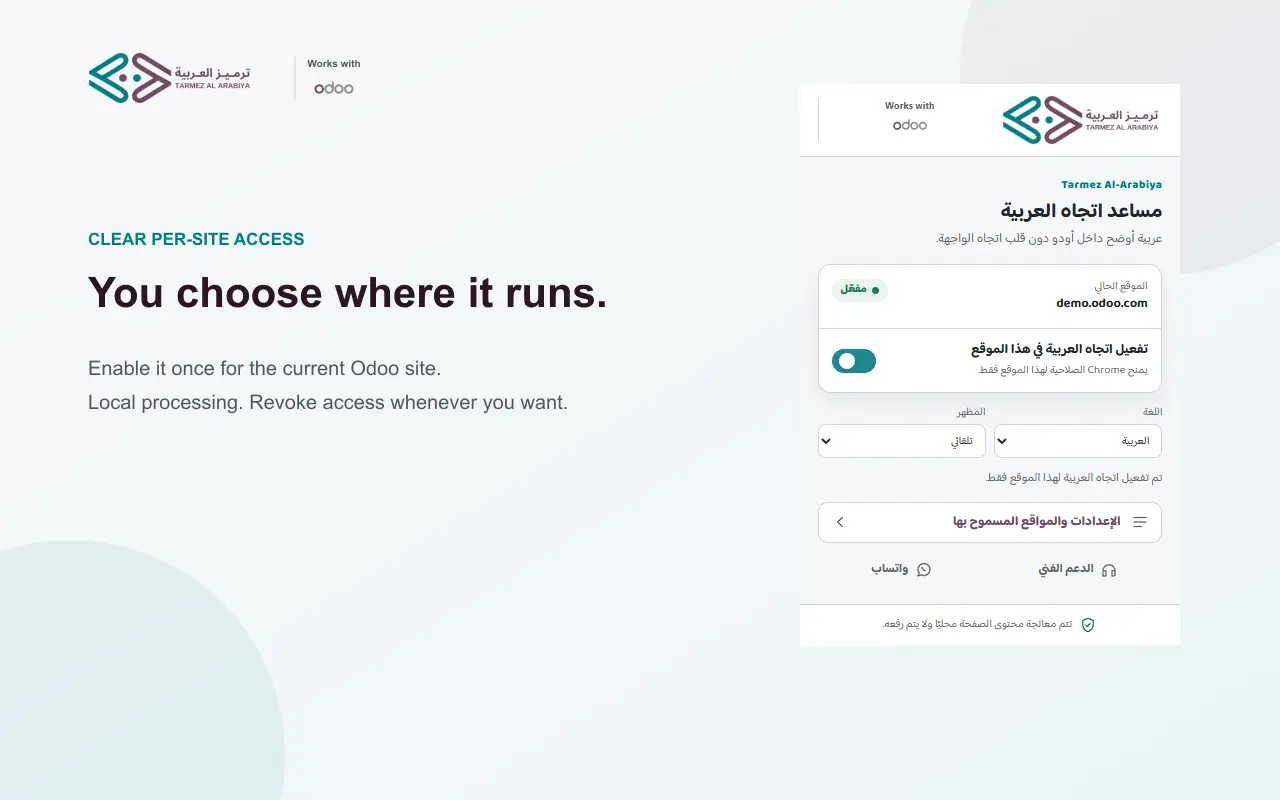
Full control with a modern design
The popup provides a smooth way to manage approved sites and review extension settings.
- Bilingual interface: Available in Arabic and English.
- Light and dark modes: Automatically follows your system preference for comfortable viewing.
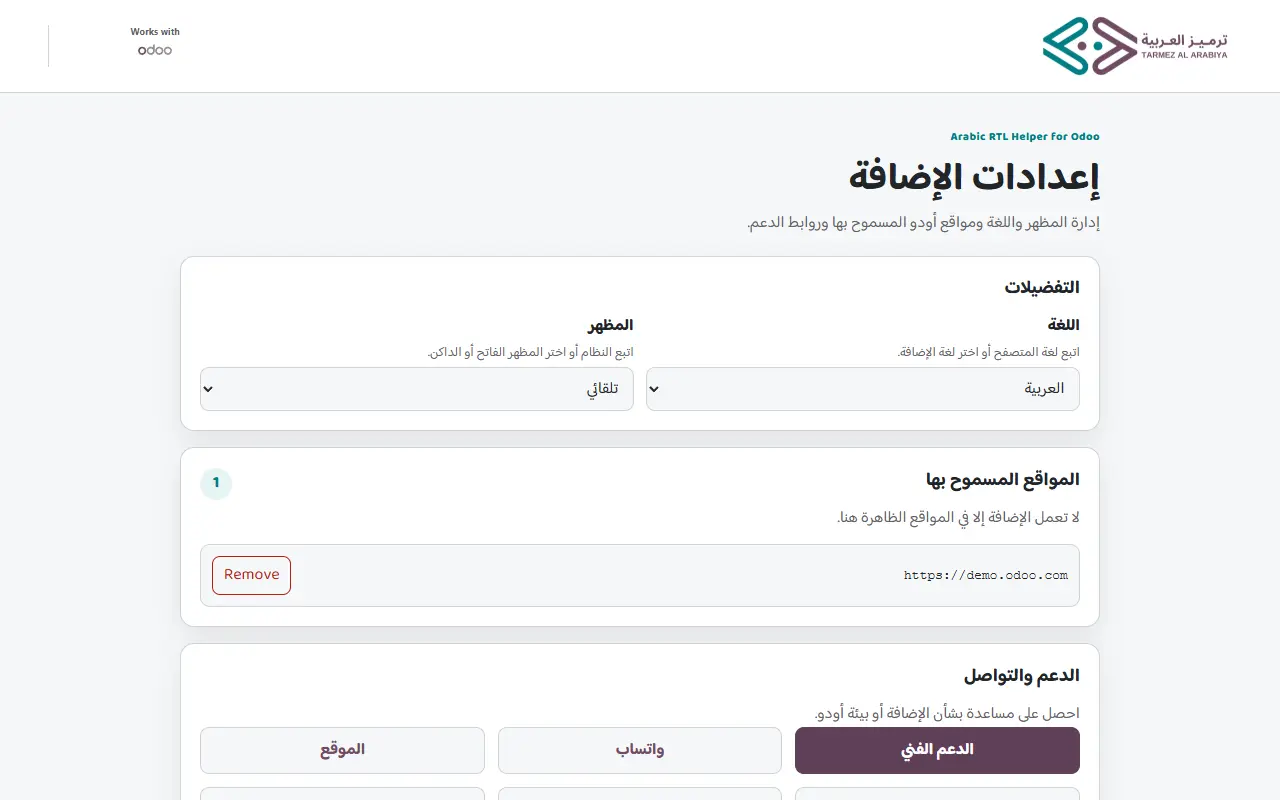
- Approved sites: Add or remove Odoo sites with one click.
Compatible wherever Odoo is hosted
Designed for the following supported hosting options and Odoo versions.
Supported hosting
- Odoo Online (SaaS)
- Odoo.sh
- Self-hosted (On-Premise)
- Local servers (localhost / IP)
Odoo versions
- Odoo 19
- Odoo 18
- Odoo 17
- Odoo 16
Browsers
- Google Chrome
- Microsoft Edge
- Chromium browsers
- Firefox Desktop 128+
A new permission model for stronger privacy
Version 0.2.0 introduces a redesigned interface and official Firefox support. Most importantly, the extension now runs only on sites you explicitly enable.
Frequently asked questions
Quick answers to help you decide.